posting
week 1 is one video a day max. from week 2, post 10–15 videos a week.
drafts and feedback
for your first 4 weeks, get every video with a Rivet plug approved before you post. non-branded posts can skip draft review.
- drop your first Rivet draft in your Slack creator channel. wait for notes before filming the next one.
- batch your drafts so we can review them faster. send each batch at least 5 days before the first post in that batch goes live.
- got edits? drop the new cut in the same thread. post the cut we approved on the day we confirm.
- running behind? give us a heads-up in Slack before the deadline.
after week 4, you get more room to do your thing. we’ll tell you which Rivet posts still need the okay.
non-branded (posts without a Rivet plug)
2 non-Rivet posts a week max. space them out between Rivet posts.
your first video is non-branded and counts toward those 2.
no Rivet anywhere in the video, caption, hashtags, or comments.
keep the first one simple. film an outfit check, a coffee run, or a story from your weekend. dating is totally optional.
posts with a Rivet plug
- we’ll send the hooks and scripts for Rivet posts. say them like you’re telling a friend.
- check the brief for which videos get a Rivet plug and when they go live.
- show how Rivet works. Matchers vote on pairs. each Dater gets to decide whether to connect.
- use app footage we’ve approved.
- put the tag we give you near the start of the caption. use #RivetAmbassador or #RivetPartner, and turn on the app’s disclosure setting.
before you hit post
- get to the hook in the first few seconds. watch on mute. can you read it right away?
- find good light and keep the shot steady.
- make sure we can hear you over the background.
- use audio you own or have permission to use for that post and platform. for Rivet posts on TikTok, you can grab cleared music from the Commercial Music Library.
- caption what you say. keep text away from the edges and the app buttons.
- check the app’s rules for what you put in captions and on screen. keep an eye out for strong swearing or references to violence, drugs, or self-harm.
- reusing footage for a new post? make a fresh cut. switch up the opening or pacing.
- post new TikToks yourself from your usual device and connection. skip VPN location changes and third-party auto-posting tools.
- set every post to Public. double-check your first TikTok is set to Everyone.
once it’s live
open the video on each app and make sure the sound works.
if views are low after 24 hours
- one slow post happens. if a few in a row are stuck, double-check who can see them and look for muted audio or a copyright notice.
- check TikTok. compare For You traffic across recent posts. look for warnings in Account Check and eligibility notices in post Analytics.
- got a violation notice? read the reason and appeal if it looks wrong. stick to the approved schedule if TikTok still lets you post.
- restriction lifted? check in with your campaign manager before posting again. come back with a fresh cut.
if the account looks fine
- try all four in your next drafts. a text overlay, a talking head, a slideshow, and a hook into a quick Rivet demo for a branded post.
- compare watch time on videos around the same length. if people bail early, revisit the hook check and get to the good part faster.
- look at more than likes. what got comments, shares, or saves? ask a real question if it fits the story. keep the facts straight.
- still slow after 10–15 posts? ask your campaign manager in Slack to take a look before you change anything about the account.
past Rivet posts
TikTok views checked .
-
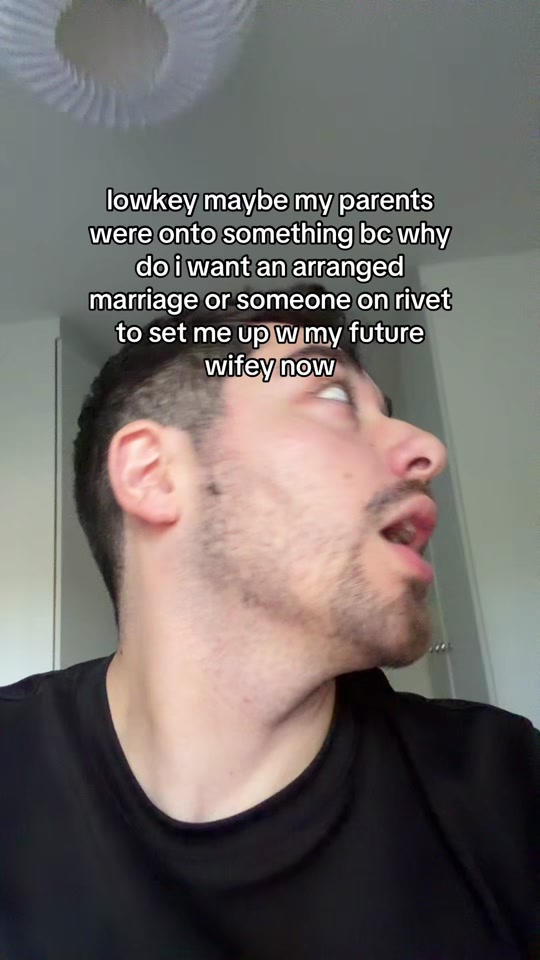 “lowkey maybe my parents were onto something bc why do i want an arranged marriage”
-
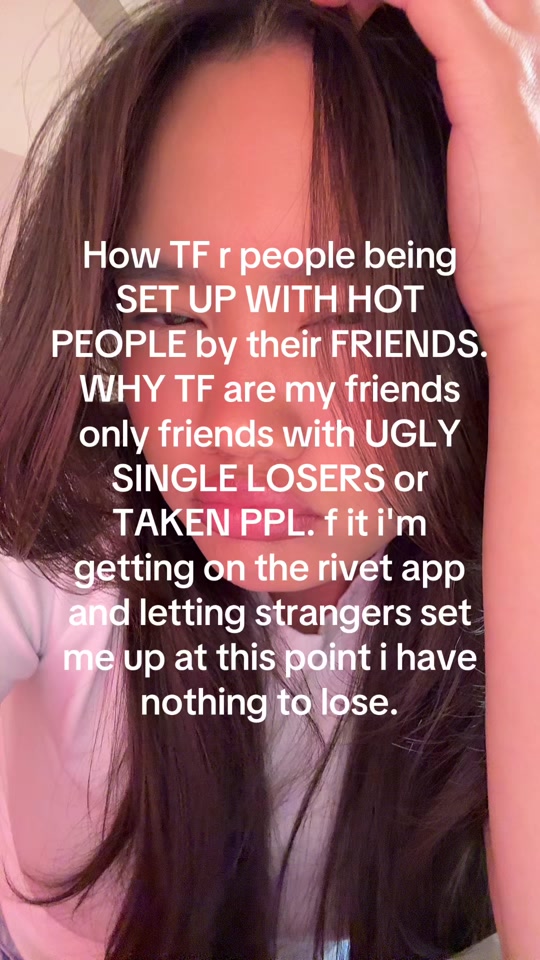 “How TF r people being SET UP WITH HOT PEOPLE by their FRIENDS”
-
 “lowkey maybe my parents were onto something bc why do i want an arranged marriage”
-
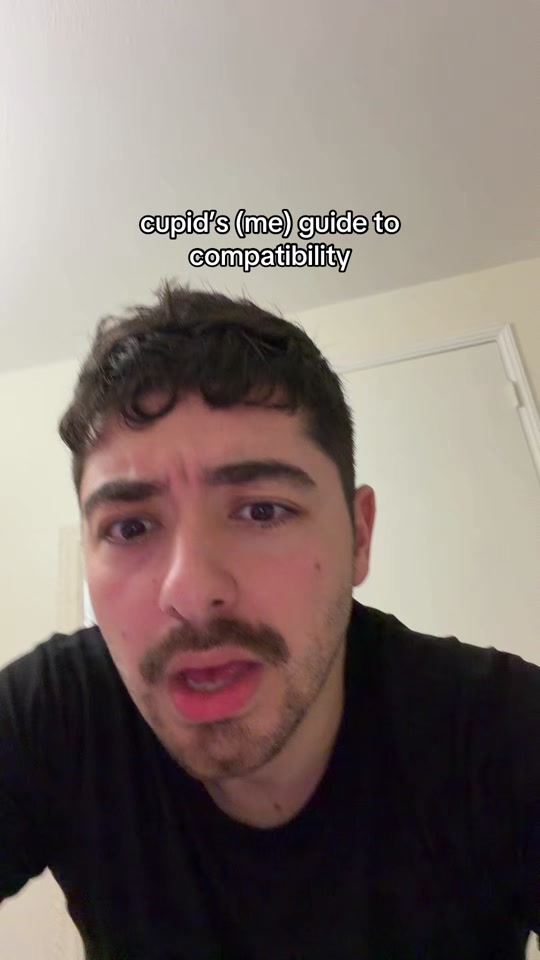 “cupid’s (me) guide to compatibility”
-
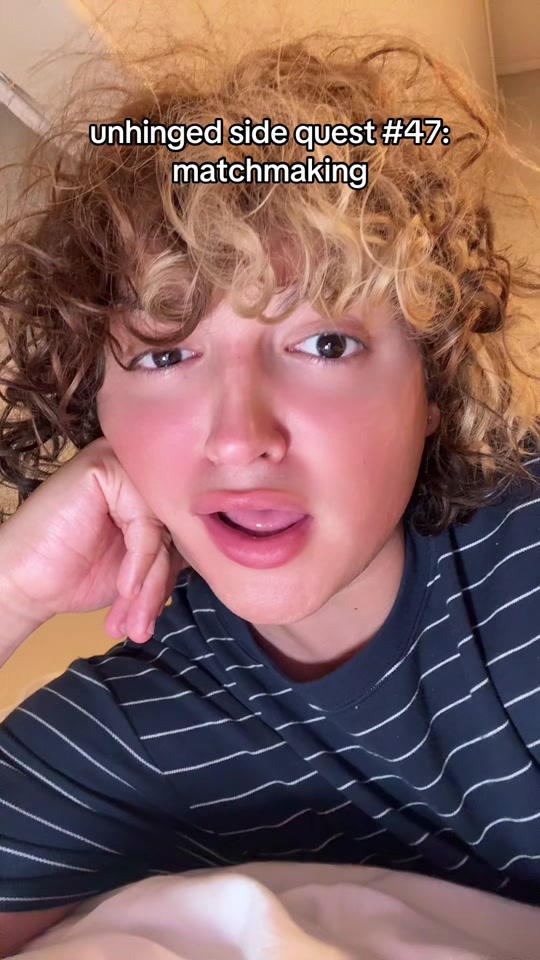 “unhinged side quest #47: matchmaking”